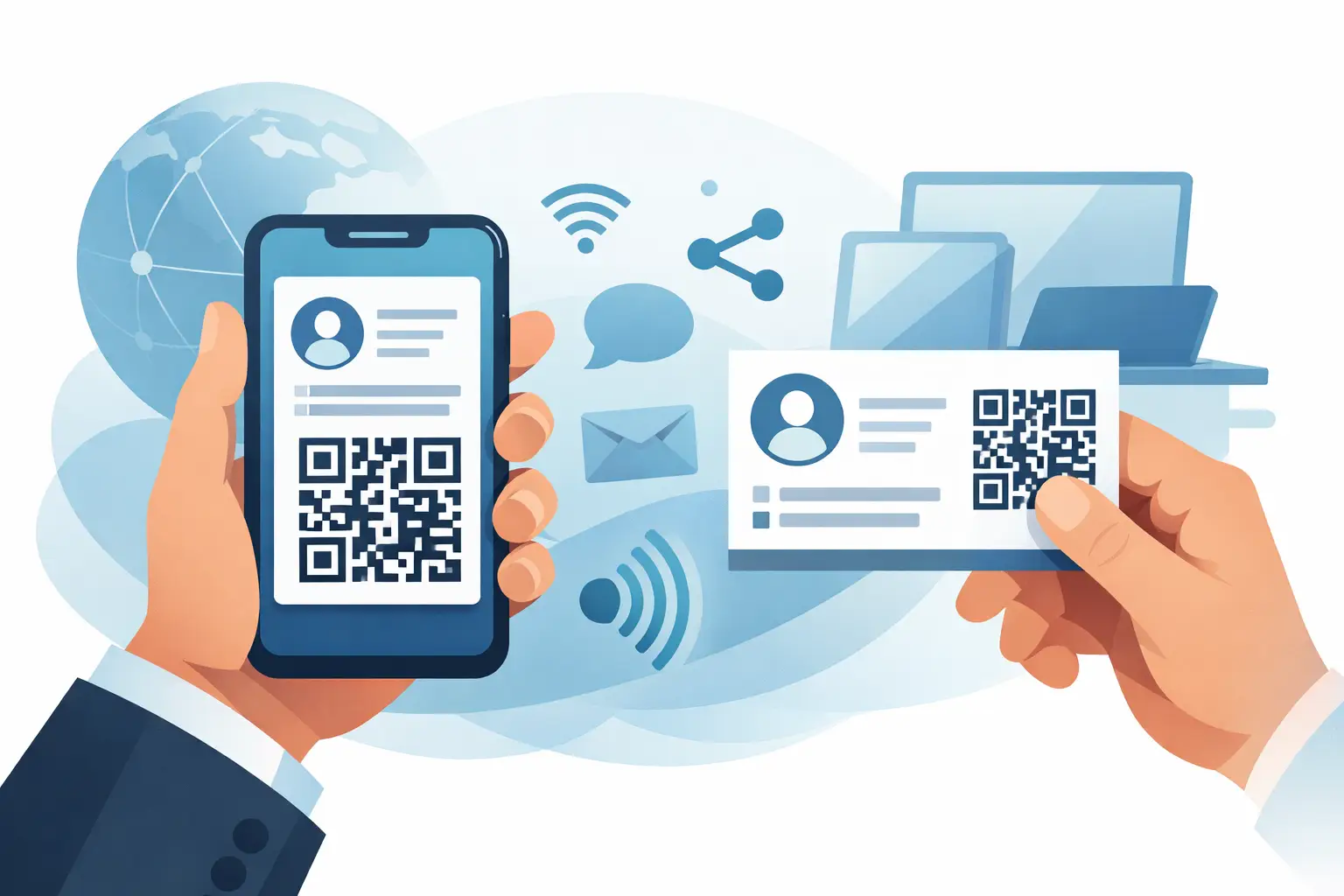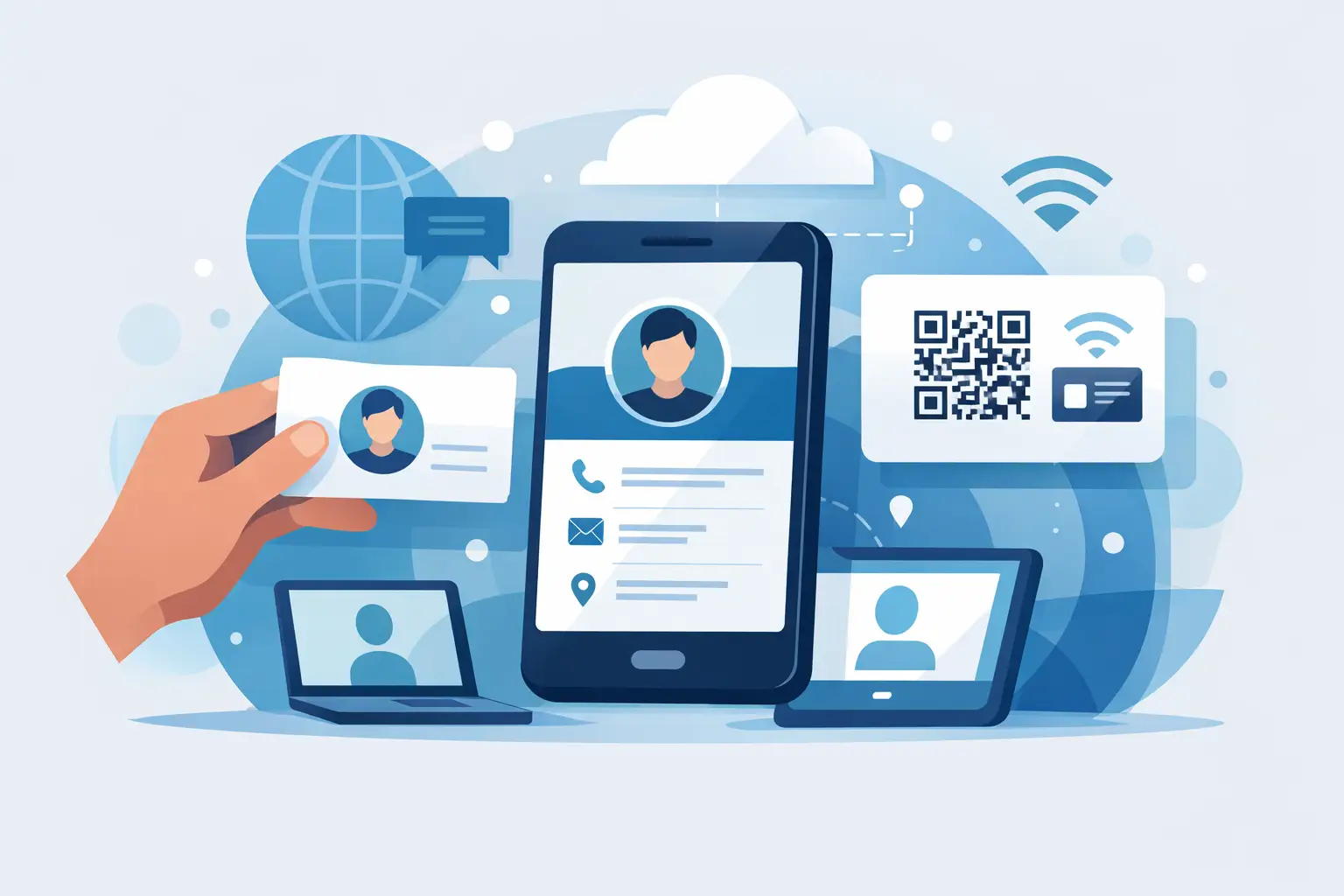
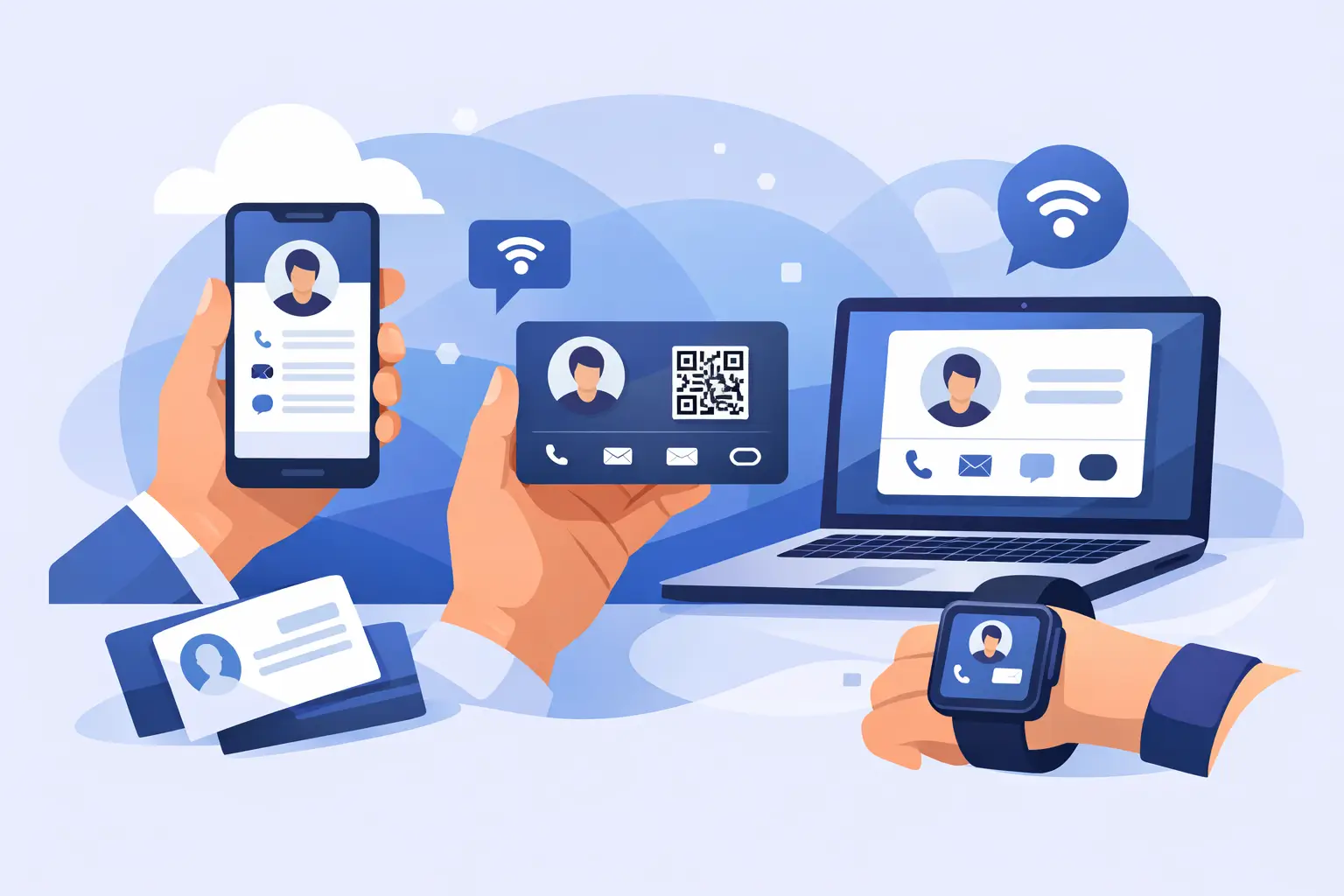
Printed cards still run out at the worst time. You meet someone valuable, reach into your pocket, and realize you have an old design, the wrong phone number, or no cards left. That is exactly why more freelancers and small business owners are searching for the best digital business cards free options - they want something faster to share, easier to update, and better at turning a quick introduction into a real customer conversation.
Free digital business cards can be a smart starting point. They let you test the format, share your contact details by QR code or link, and present your business in a more modern way without paying upfront. But not every free option is actually useful for a growing business. Some are fine for basic networking. Others look polished but limit the features that matter once you start getting leads.
If you are choosing one for your business, the real question is not just which tool is free. It is which free tool helps you look professional and get contacted faster.
What makes the best digital business cards free
The best free digital business cards do three things well. They make it easy for people to save your contact details, they let you update your information anytime, and they help your business look credible on a phone screen.
That sounds simple, but the differences show up quickly. Some free tools only give you a name, photo, and phone number. That may be enough for a job seeker or casual networking. For a freelancer, consultant, property agent, beautician, repair service, or local seller, it is usually not enough. You may need service details, social media buttons, product photos, WhatsApp contact, maps, business hours, and a cleaner way for customers to take the next step.
A good free option should also remove friction. No app download is better. Easy mobile sharing is better. A profile that works well when someone opens it from Instagram, WhatsApp, or a QR code at an event is better.
7 best digital business cards free to consider
1. HiHello
HiHello is one of the better-known names in this category, and for good reason. Its free version is easy to set up and works well for professionals who mainly want to share basic contact details. The interface is clean, and the card feels polished enough for consultants, sales reps, and solo operators.
Where it works best is contact sharing. Where it can feel limited is business presentation. If you want your card to act like a mini profile page with services or product-style content, you may outgrow it.
2. Blinq
Blinq is popular because it is simple and quick. You can create a digital card, share it with a QR code, and use it across meetings or social channels without much setup. For users who want speed over customization, that is a real advantage.
The trade-off is that a straightforward card is still just a card. If your business depends on showing what you sell, building trust fast, or collecting inquiries, you may want more than a basic contact page.
3. Popl
Popl is often associated with modern networking and NFC-friendly sharing. It appeals to users who want a more tech-forward image, especially at events and sales meetings. The platform does a good job making digital sharing feel current.
Still, free plans on tools like this often focus on profile basics and brand visibility rather than deeper business functions. If your goal is lead generation instead of just contact exchange, check the limits carefully.
4. Wave
Wave has built a reputation around digital business cards and virtual networking tools. It is clean, business-friendly, and works nicely for professionals who want a card replacement without much complication.
Its strength is accessibility. Its weakness, depending on your use case, can be depth. Many small businesses do not just need a networking identity. They need a lightweight sales page that helps customers message, browse, and decide.
5. Canva
Canva is not a dedicated digital business card platform, but many people use it to design digital card graphics or simple shareable pages. If design flexibility matters to you, Canva is hard to ignore.
But there is a difference between a designed card and a functional digital profile. A Canva design can look great, yet it usually will not give you the same updateable, action-driven experience as a proper business card platform. It is useful for visuals, less useful as an all-in-one contact and conversion tool.
6. Link-in-bio style tools
Some business owners use link-in-bio platforms as a free substitute for a digital business card. This can work, especially if your audience already comes from Instagram or TikTok. You can place your contact buttons, social links, and a few offers in one page.
The problem is positioning. A link-in-bio page often feels like a creator tool first, not a professional business identity. That may be fine for some personal brands. It is less ideal if you want to look established, especially in client-facing industries.
7. Dizcard
For small business owners who want more than a digital contact card, Dizcard takes a more practical route. Instead of stopping at your name and number, it gives you a mobile-friendly business profile that can include services, products, pricing,gallery images, business hours, maps, payment methods, and lead capture.
That matters if your digital business card is supposed to help you win customers, not just exchange details. It is especially useful for service providers and local businesses that rely on WhatsApp, walk-ins, social traffic, and face-to-face referrals. You can share one profile through a link, QR code, or NFC card, and people do not need to install an app to view it.
How to choose the best digital business cards free for your needs
The right choice depends on how you actually use your card.
If you mostly attend meetings and want people to save your number quickly, a simple free card may be enough. In that case, ease of sharing matters more than advanced features. You want a clean profile, a fast QR code, and a contact-saving experience that feels smooth.
If you run a business and need to show what you offer, basic contact sharing is only half the job. You need a card that acts like a mini storefront. That means room for service descriptions, photos, pricing, testimonials, or direct messaging options. This is where many free tools start to separate.
If branding matters, pay attention to layout and customization. A generic-looking card is still better than a printed card with outdated details, but it may not help you stand out. For coaches, agents, creatives, and local service brands, presentation influences trust.
And if your leads come from mobile-first channels like WhatsApp, Instagram, Facebook, or in-person QR scans, test the full experience on a phone before you commit. Some cards look decent on desktop and underwhelming on mobile, which is where most people will actually see them.
Free is great, but check the limits
Free plans are useful for getting started, but they often come with limits that matter later. You may get fewer customization options, platform branding, restricted analytics, fewer contact fields, or limits on how much business information you can display.
That does not make free plans bad. It just means you should choose based on your next step, not only your current budget. If your business is growing, switching platforms later can be a hassle. It is easier to start with a tool that can support you as your needs expand.
This is especially true for small businesses that do not want to build a full website yet. A digital business card can fill that gap, but only if it does more than show your phone number.
When a free digital card is enough and when it is not
A free card is usually enough if you are testing digital networking, updating from printed cards, or only need a fast contact-sharing solution. It is a low-risk way to modernize your first impression.
It may not be enough if you want to capture leads, show products, answer common customer questions, or give prospects a stronger reason to contact you. In that case, your card stops being a simple profile and starts becoming part of your sales process.
That shift is where many small business owners change how they evaluate tools. They stop asking, “Can I share my details?” and start asking, “Can this help me get more inquiries?” That is a better question.
The smarter way to evaluate free options
Before you choose, send the card to yourself and open it like a customer would. Check how fast it loads. Check whether your contact info is easy to save. Check whether it makes your business look active, trustworthy, and easy to contact. Then ask one more question: if someone is interested right now, what can they do next?
The best free digital business card is the one that removes friction between interest and action. If it helps people reach you, understand what you offer, and move one step closer to buying, it is doing its job. If it only looks modern but creates extra steps, keep looking.
A good digital card should not just replace paper. It should help your business show up better every time you share it.